
Reducing friction in high-end VFX workflows through contextual guidance.
The complexity gap.
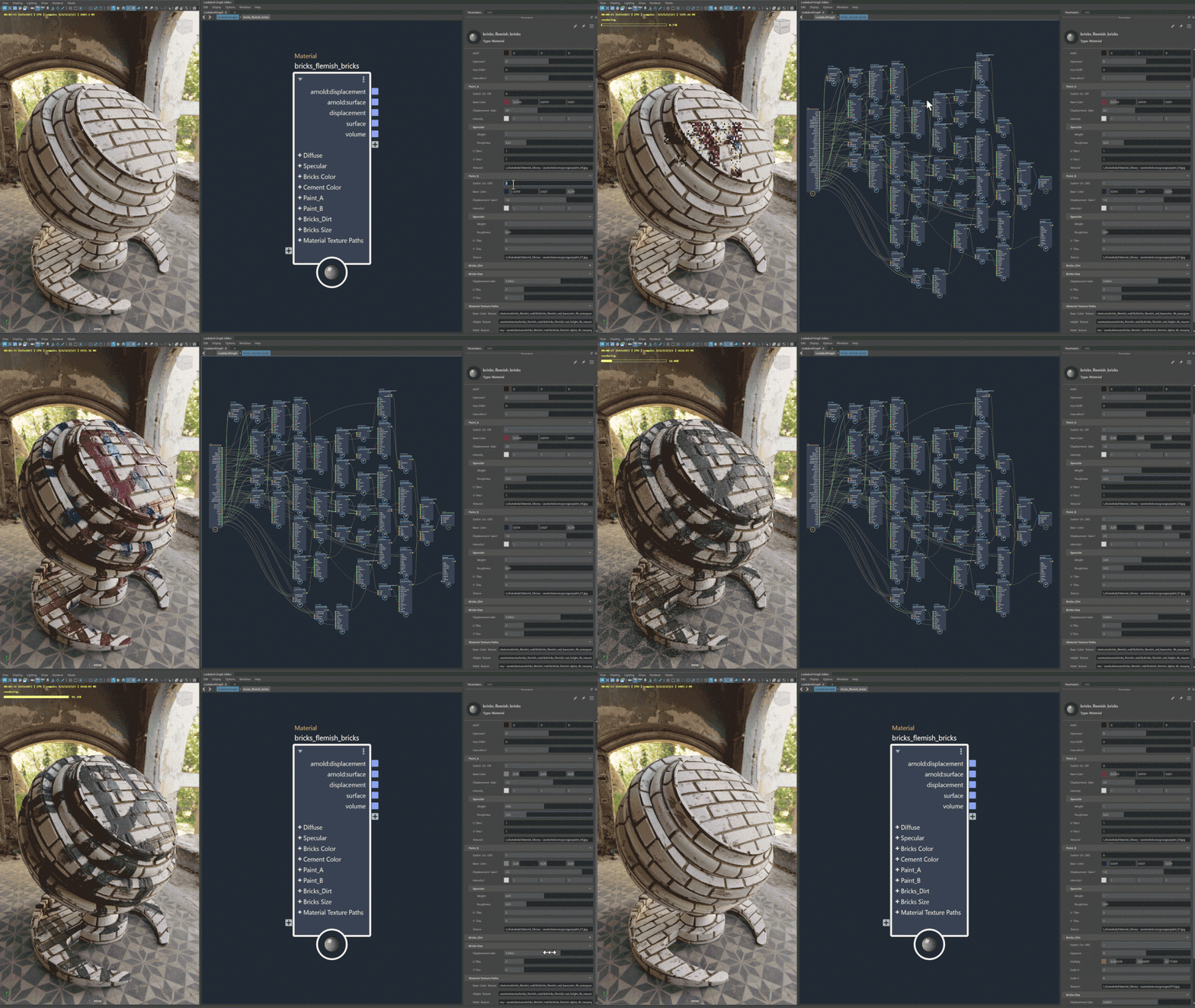
Maya is the industry standard for 3D animation, but it is notoriously complex. With the release of LookdevX, we introduced a powerful new way to handle materials using USD (Universal Scene Description).
While powerful, LookdevX introduced new workflows and terms that alienated users familiar with the previous workflow.
If users couldn’t understand the feature, they would abandon and revert to older, less efficient tools.
Tooltips aren’t going to save a new user — but they can give a regular Maya user the right context at the right time.
I bypassed my assumptions and went directly to our internal beta forum and Reddit. I needed to understand:
Users didn’t need textbook definitions.
They needed functional context — a knowledgeable colleague, not a manual.
Designing for clarity.
I audited every interactable element in the LookdevX interface. Working with the Product Owner, we established a clear strategy:
I worked directly with the engineering team to implement. Our developers were also users of the product, and had additional feedback that we incorporated.
I also ensured the tooltips aligned with the broader documentation I authored, creating a cohesive “help ecosystem” from the UI to the manual.
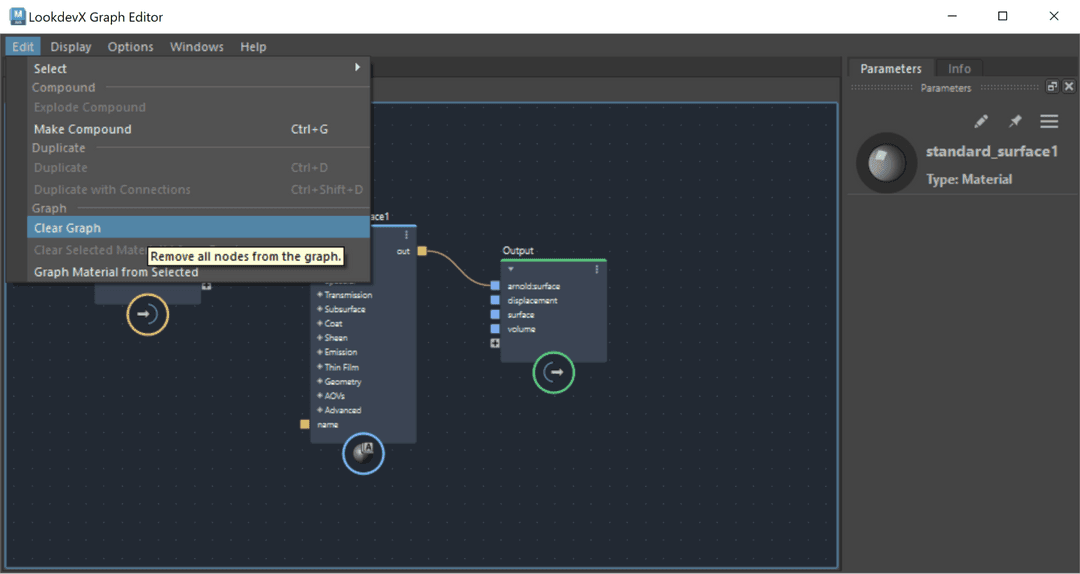
Since its release, the overall reception of LookdevX has been overwhelmingly positive. I am proud of the small part I had to play in bringing this feature to market.
By embedding the education directly into the interface, we reduced the need for users to leave Maya to search for answers.
This project highlighted the importance of Content-First Design. Even though my role has since shifted into product design, I still use a content-first approach.
In complex software, the text isn’t an accessory — it is usually the primary interface.
A button is useless if the user is afraid to click it.