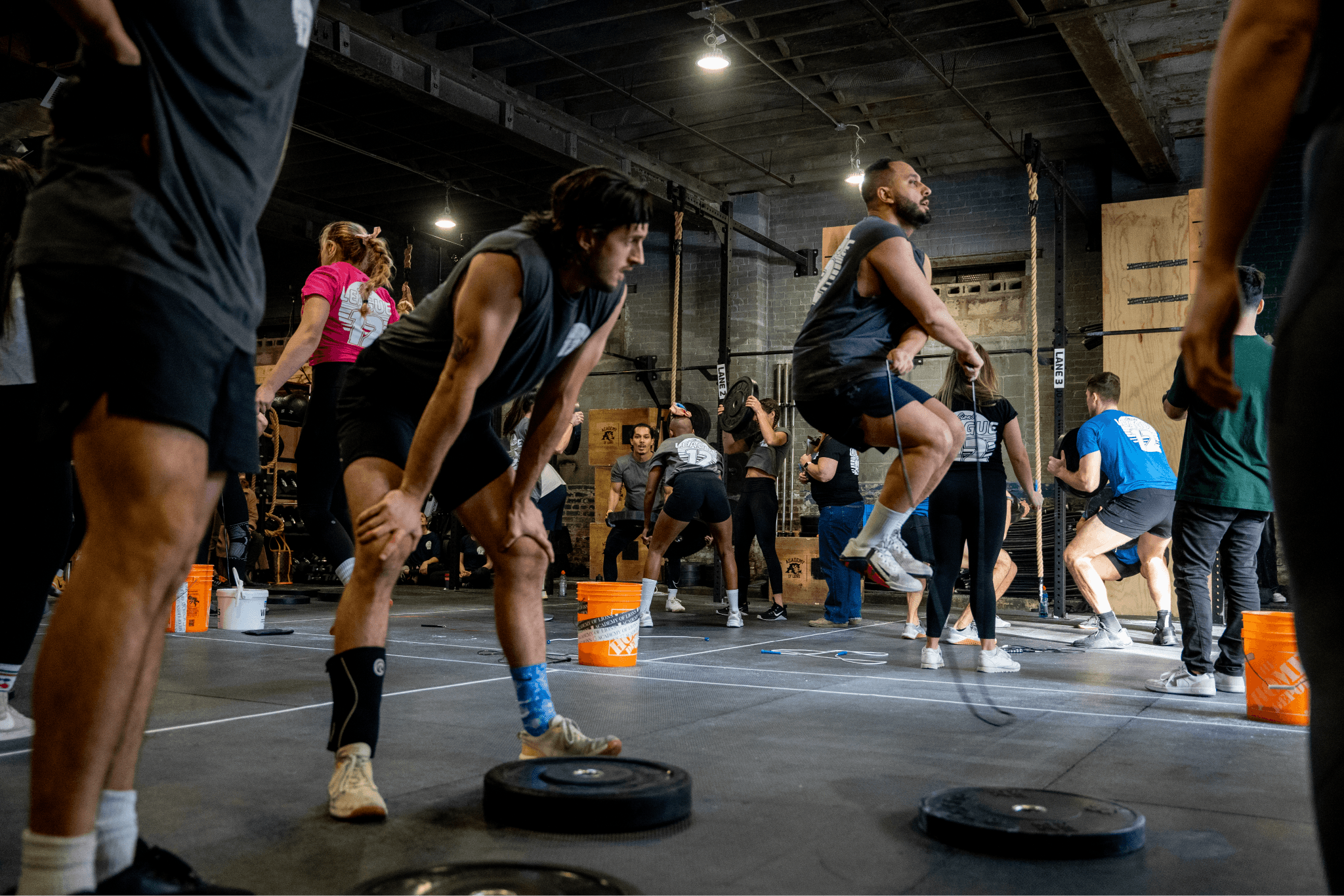
A leaderboard for fitness competitions.
Using an AI-first workflow to ship a real-time competition leaderboard for a gym community — from brief to live in one month.
We needed a way to keep score for our in-house competition.
I coach at a gym called Academy Of Lions. Every year many of us compete in the CrossFit Open — a worldwide fitness competition that requires a paid entry fee.
Many of our members don’t want to pay the fee to sign up — but still want to have fun and compete against each other.
We needed an internal “Shadow Leaderboard” — a free, low-stakes platform where every member could log scores, see their friends’ results, and feel part of the event, regardless of their budget or skill level.
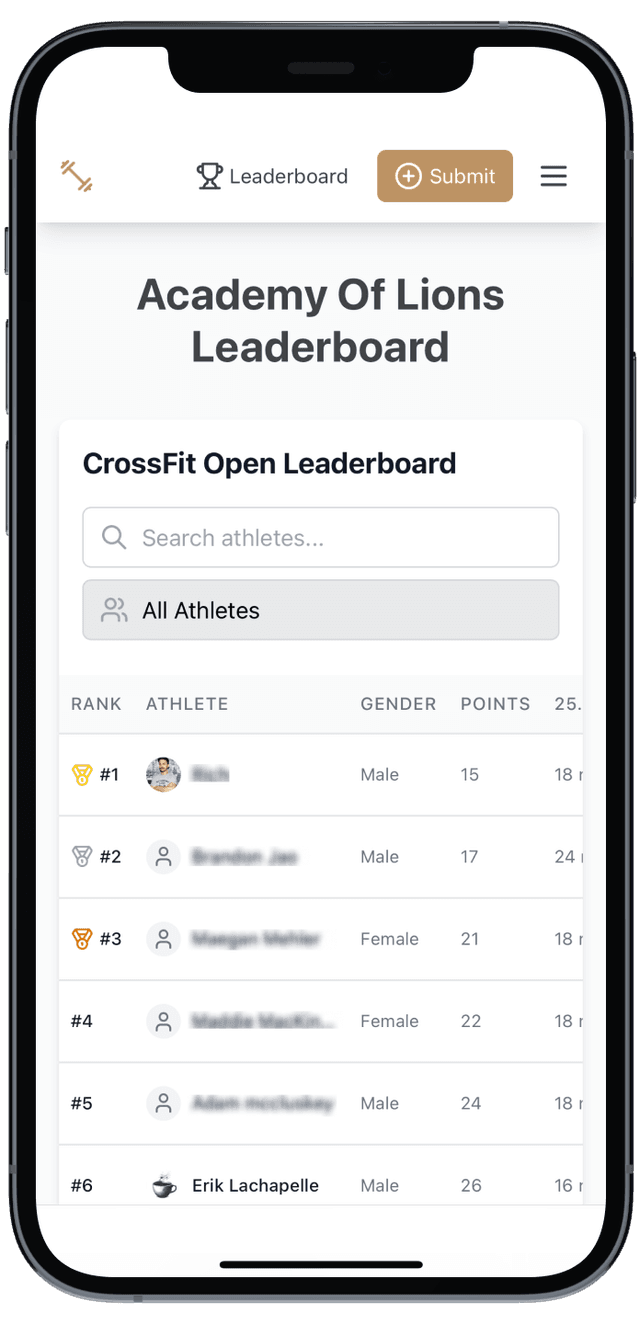
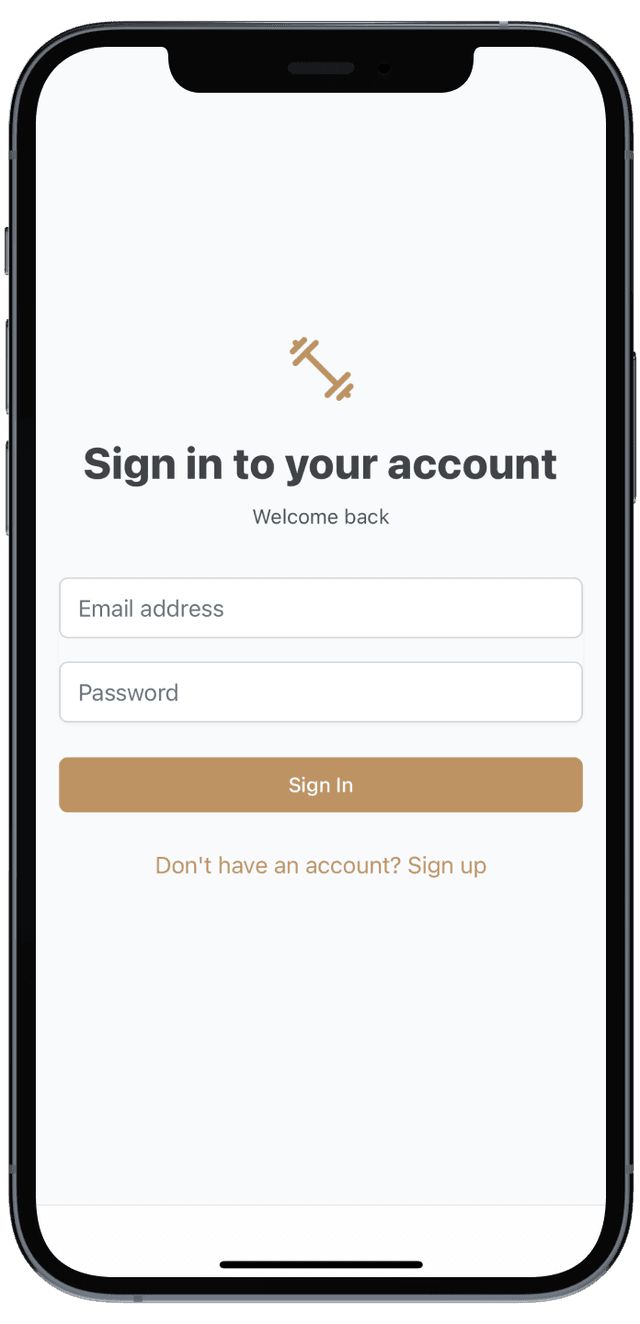
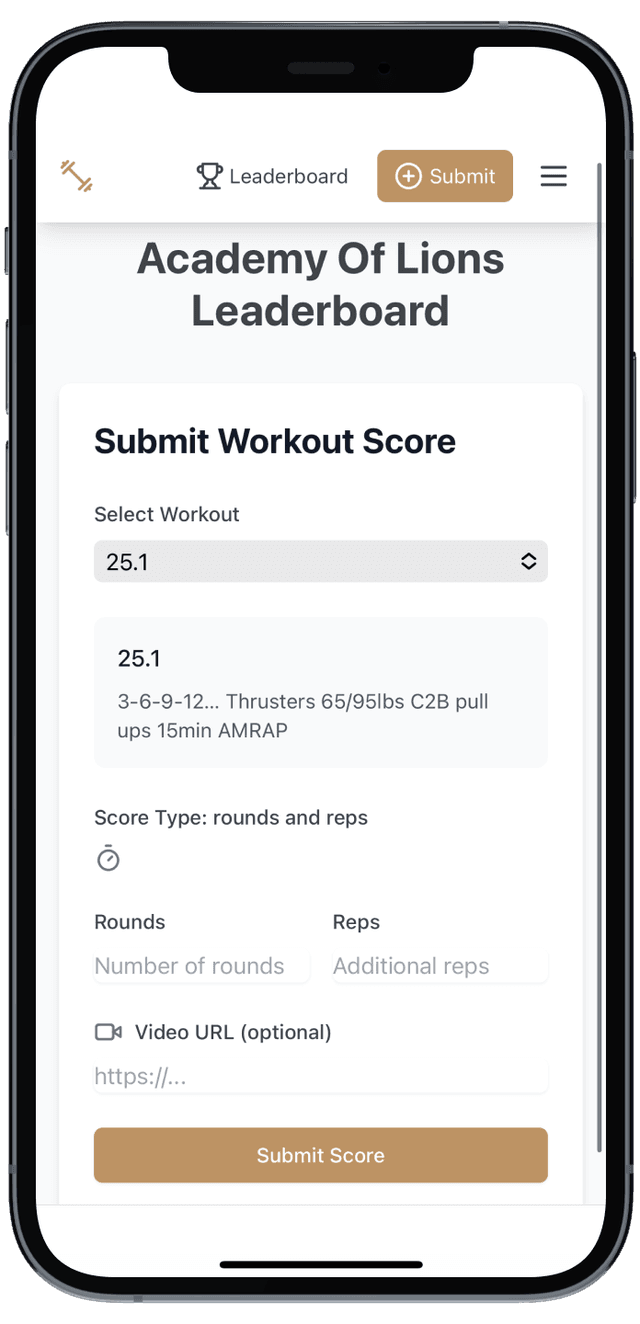
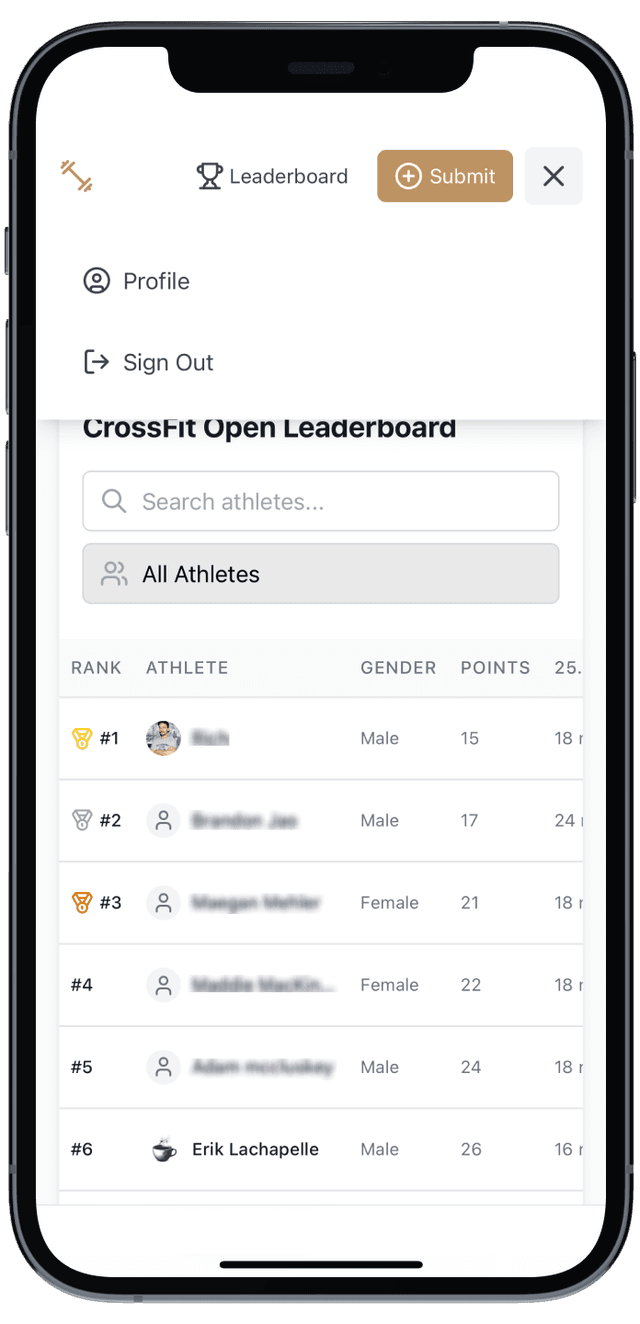
I used an AI-first workflow to meet a tight timeline.
I skipped the research, discovery, and initial design phases entirely and moved straight to code using Bolt.new.
The bulk of the design work was done through iterations. AI-designed work only looks good if you don’t look too closely — I acted as the Product Director, guiding the AI to handle most of the UI while I focused on the logic and the database structure.
A leaderboard is useless without data. I integrated Supabase to manage the backend. Despite having no prior SQL experience, I used LLMs to help me architect the schema:
I gathered 10 athletes and observed them inputting scores in real-time.
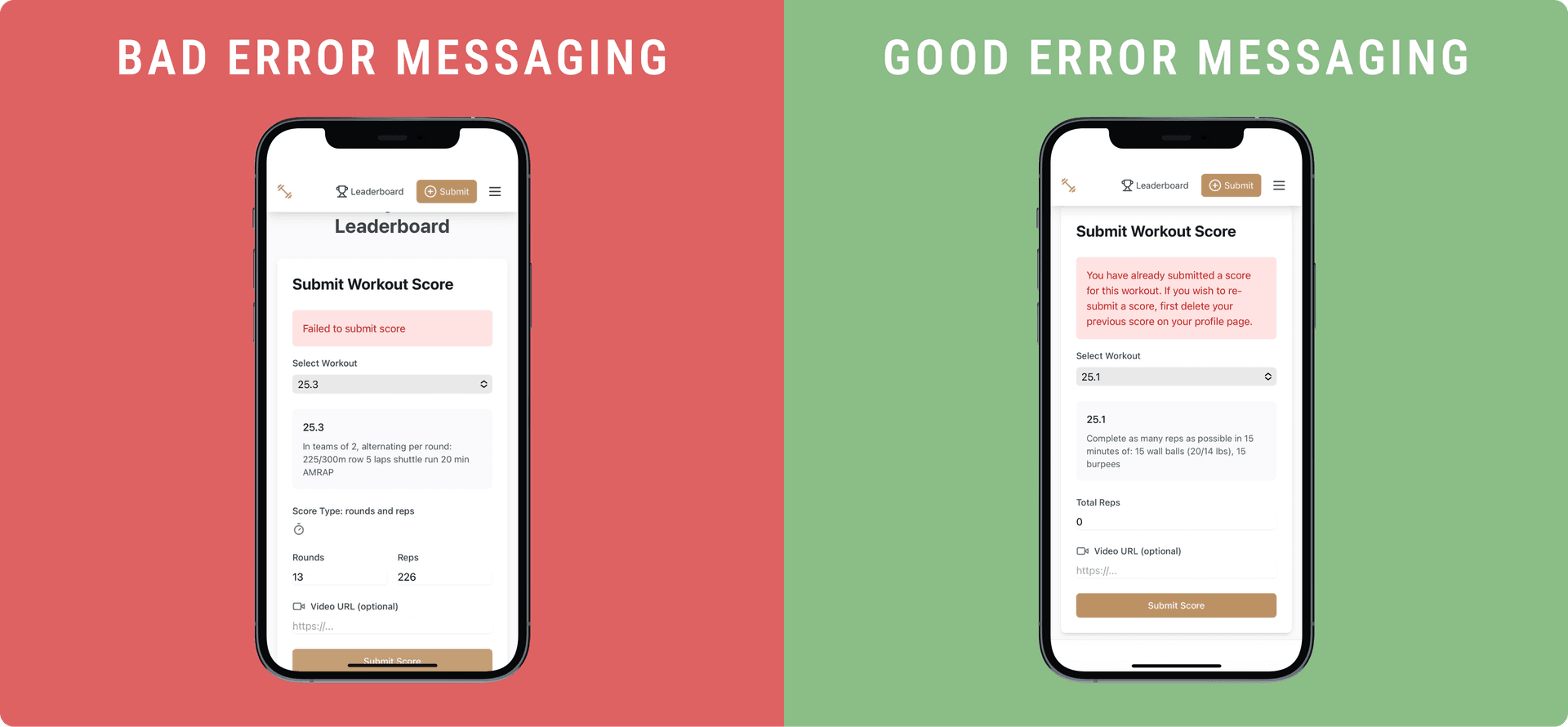
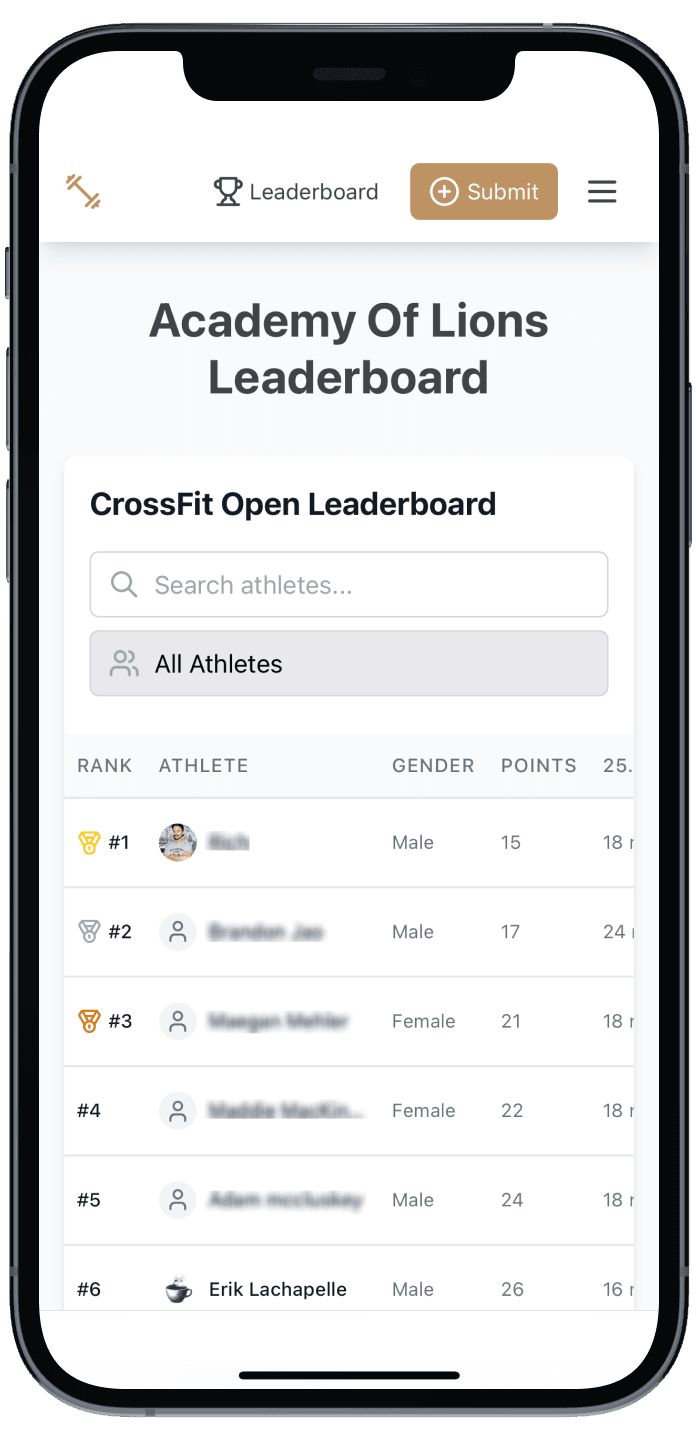
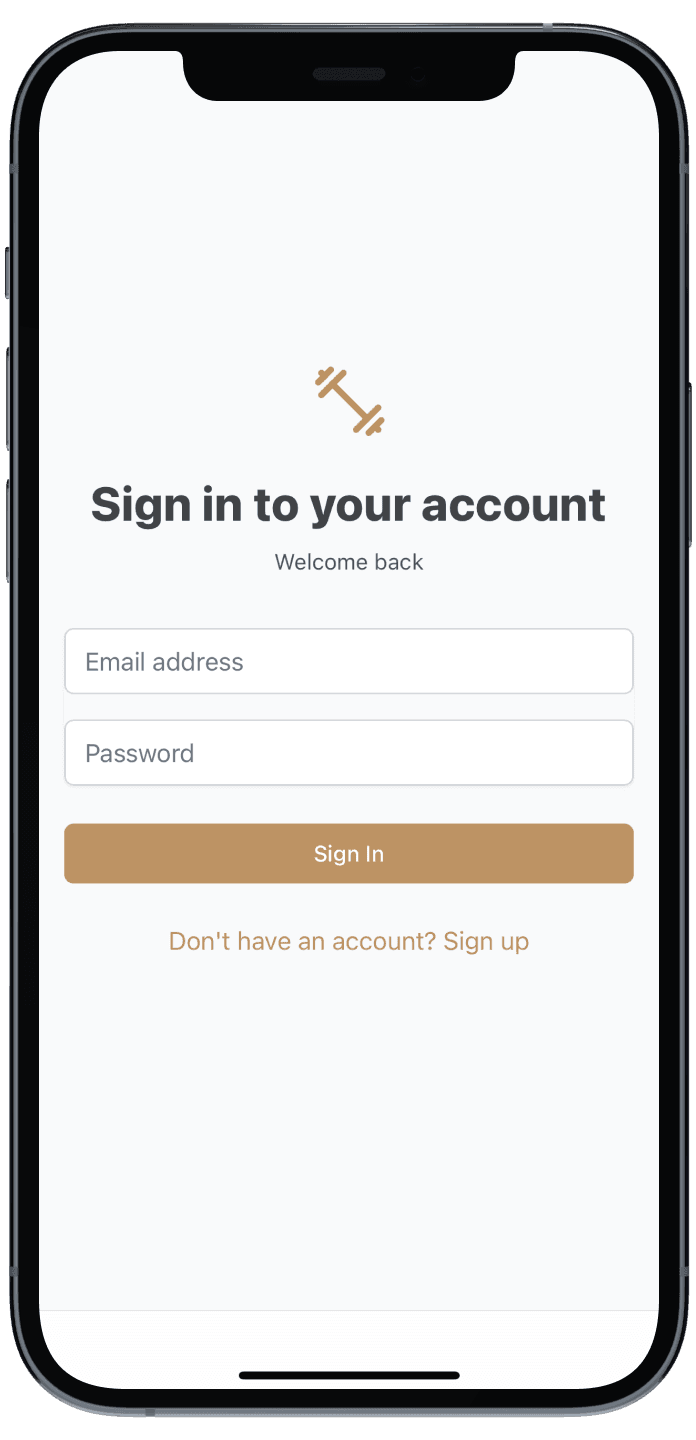
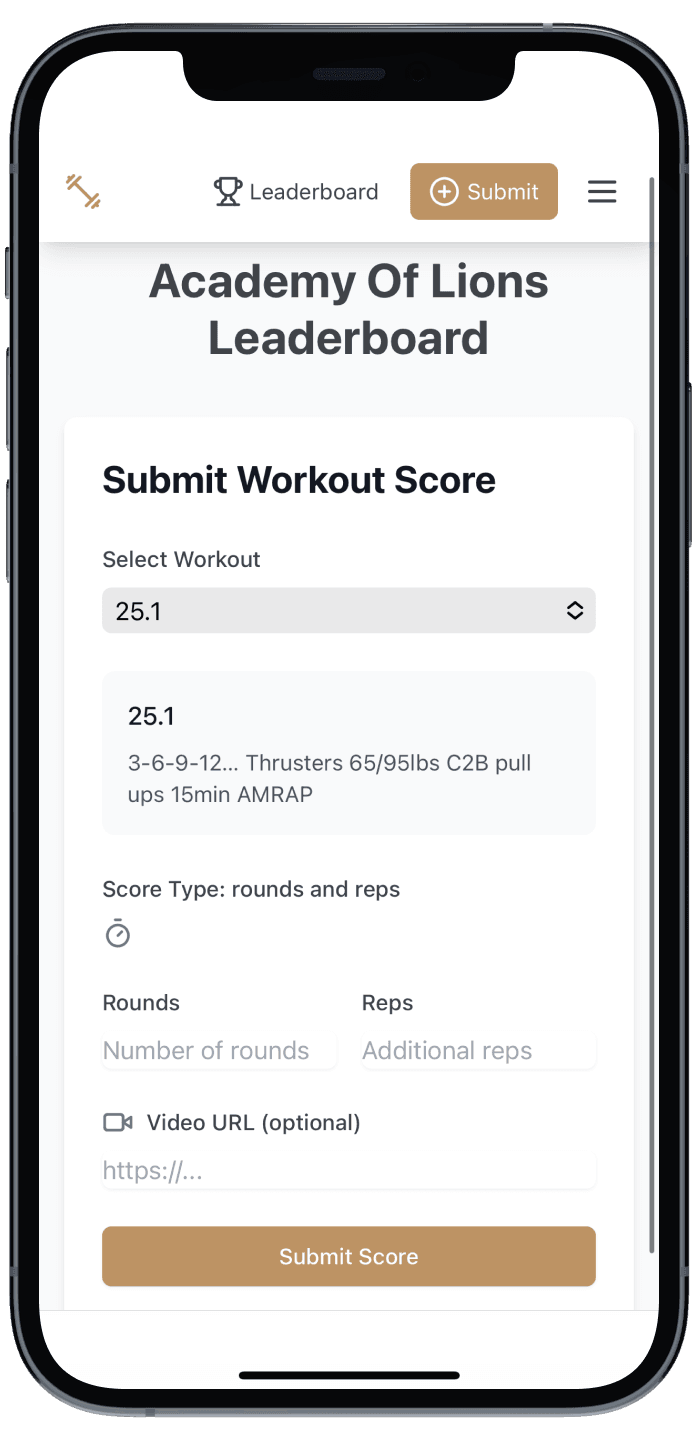
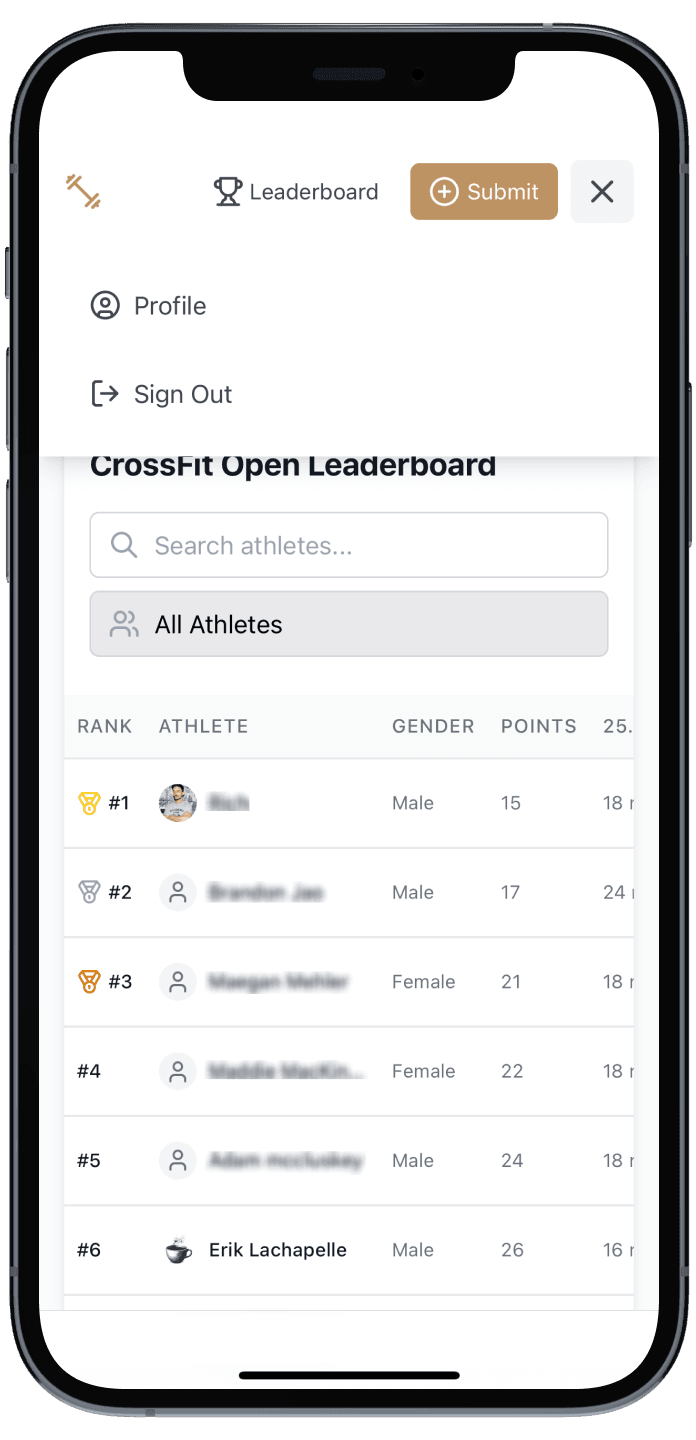
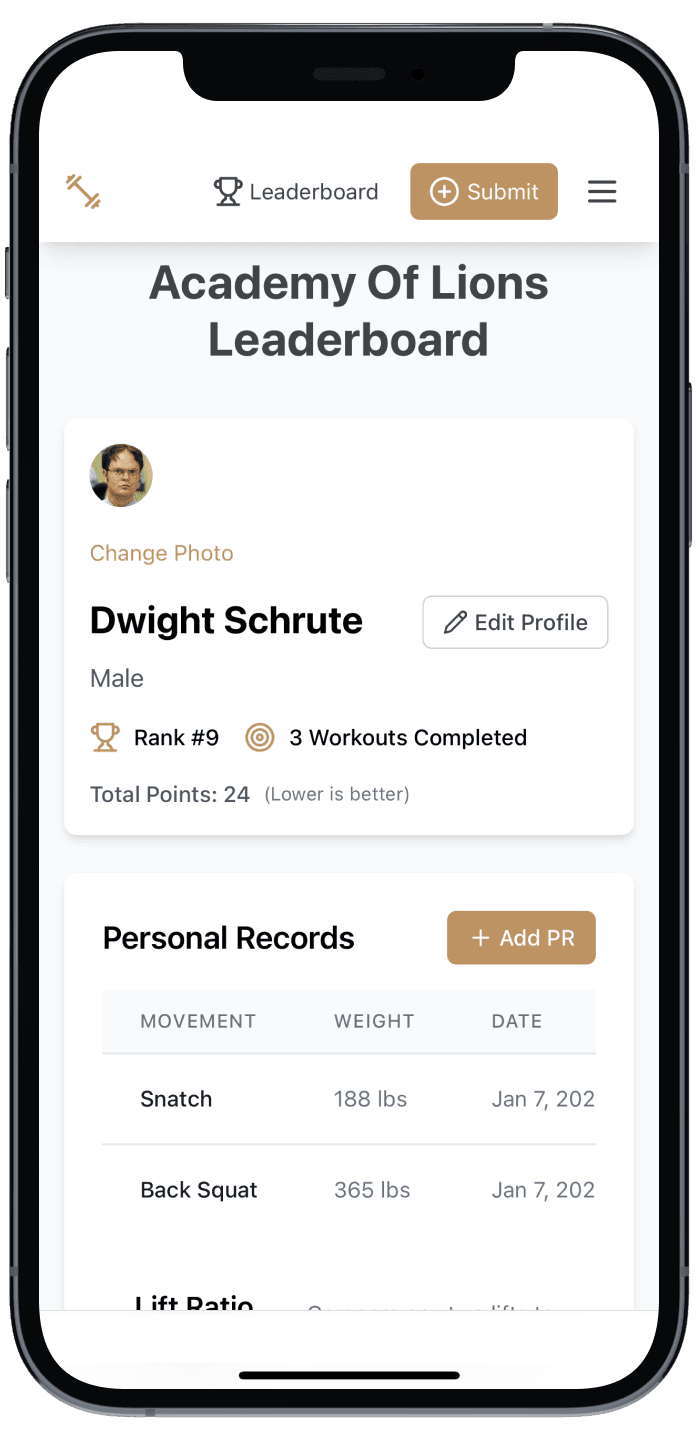
The app successfully hosted our competition data, allowing members to engage without the financial barrier.
This project challenged my view of the “Design Process.” In the past, this would have been a much longer undertaking. With AI tools and a “Maker” mindset, it took a fraction of the time.
It proved that Product Thinking > Pixel Pushing. The value wasn’t in the UI (which is standard); the value was in identifying the user need, managing the data structure, and shipping a working solution.
The CrossFit Open is coming up again. We are making a bigger push this year to get people to participate through the leaderboard.